Surveys in Thril
Send surveys to your customers! Use them after a course or event, for example, and ask participants for feedback. Responses are saved automatically in Thril.
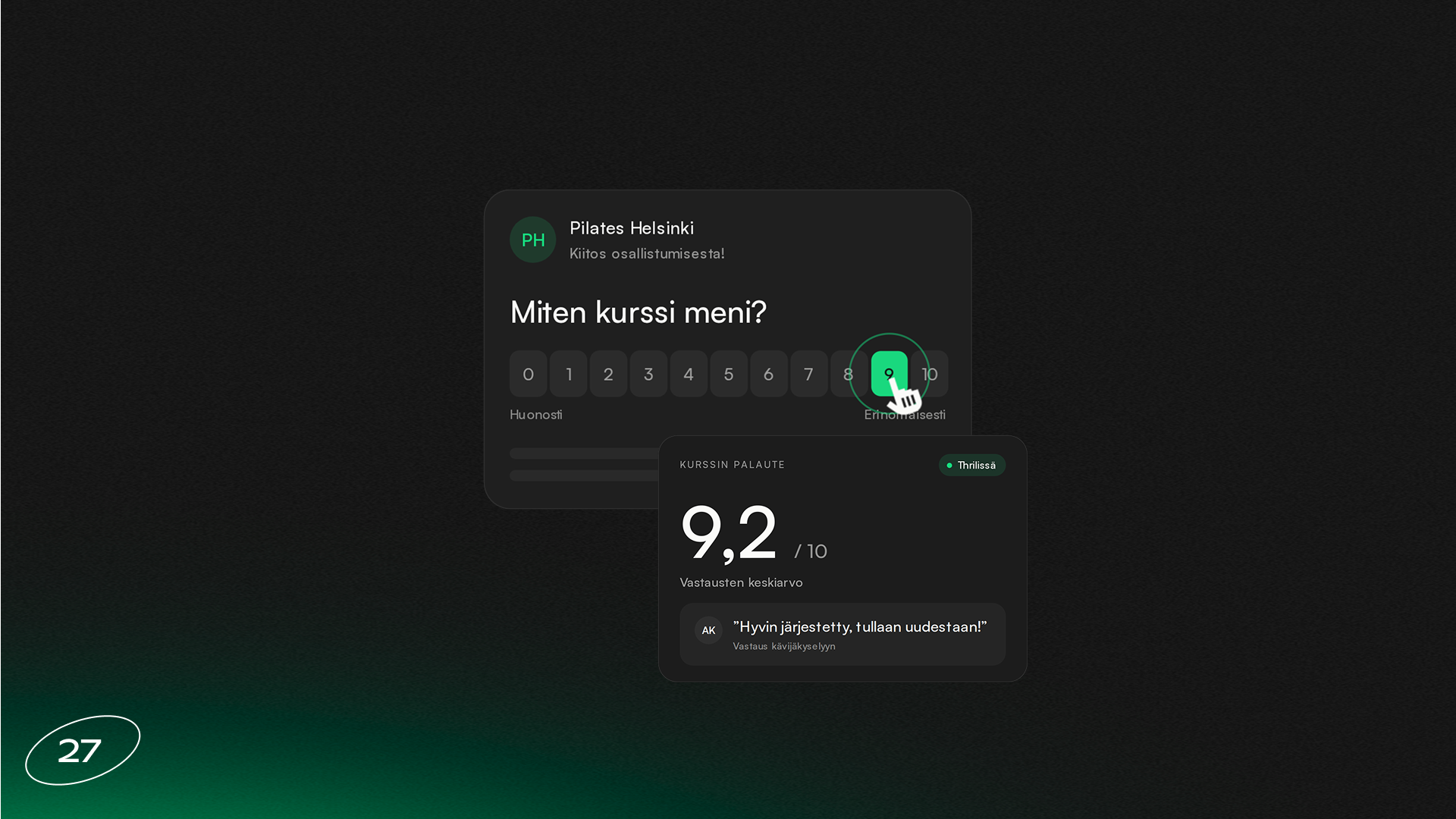
You can now create your own surveys in Thril and send them to your customers. Ask for feedback after a course, class or coaching session, measure your Net Promoter Score, or find out why a member left. Build the survey right in the portal and use automations, so the survey goes out whenever it's needed!
Send the survey to the right customers with customer lists, by email and push notification, or share it as a link and QR code.
With Workflows, the survey goes out automatically to the right participants, for example after every class or course. When the survey goes out after a class or course, each response is saved to that class or course and its coaches.
You can filter the results by course and coach, and the feedback also appears directly on the event and course pages.
Surveys is an add-on for Thril. If you'd like to use it, click "I'm interested" on the Surveys page in your dashboard and we'll get in touch.
Subscribe to our newsletter
Get a summary of what we've shipped, behind the scenes updates, and product tutorials.